
Docs · Guide
Record a trade
Add a buy or sell you made through your own broker so the dashboard can value it.
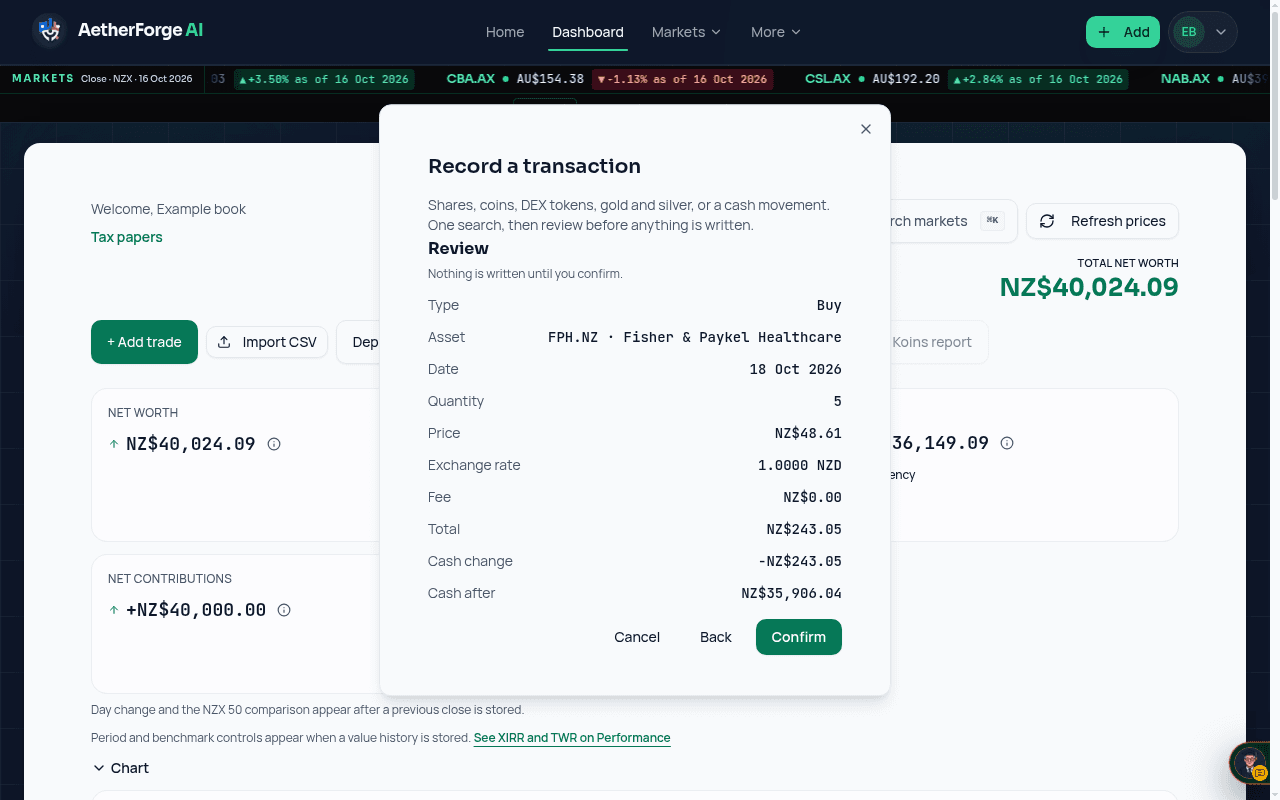
- Open the dashboard and choose Add your first holding, or + Add trade once you have one.
- Search the ticker (NZX, ASX, US shares, crypto or metals) and pick it from the list.
- Enter the quantity, the price you paid and any broker fee. Fees default to NZ$0.00 until you type one.
- Check the review screen: it shows the cash before and after the trade. Confirm to save it.
General information only, not financial advice.