
Skip to content

Docs · Guide

Use the Income & Tax tab

See dividends, withholding and realised gains for the year.
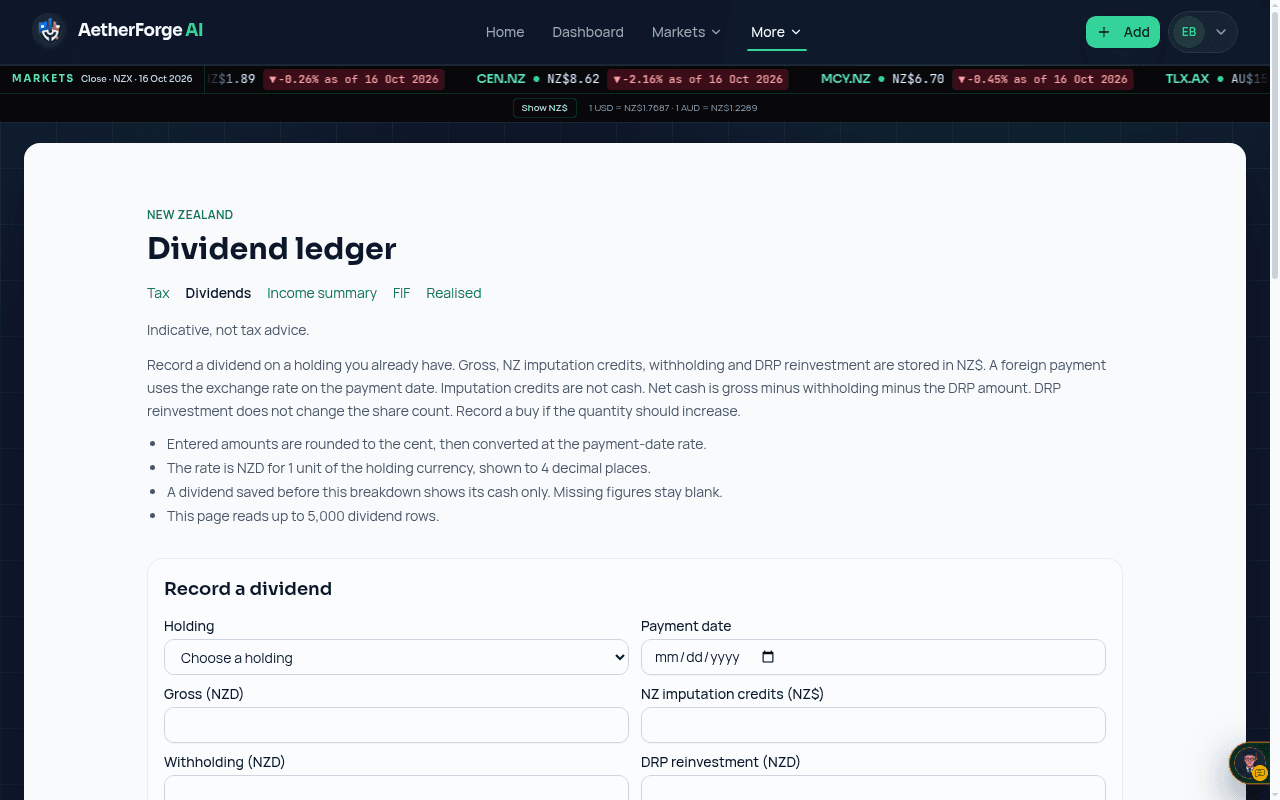
Example: the Dividend ledger page under Tax, listing each dividend with gross, tax withheld and net.
Example — a synthetic book on a test build. Figures are illustrative, not a real portfolio.
  1. Record dividends from the dashboard as well as buys and sells.
  2. Open the Income & Tax tab to see gross income, withholding and realised gains using FIFO.
  3. The FIF working paper explains which method applies. Check your own position with a tax adviser.

General information only, not financial advice.

Analytics stays off until you accept. Decline keeps it off. You can change this later from Cookie settings. Privacy Policy · Cookies

Use the Income & Tax tab — AetherForge AI docs — AetherForge AI