
Docs · Guide
Import holdings from a CSV
Bring an export from your broker in one go.
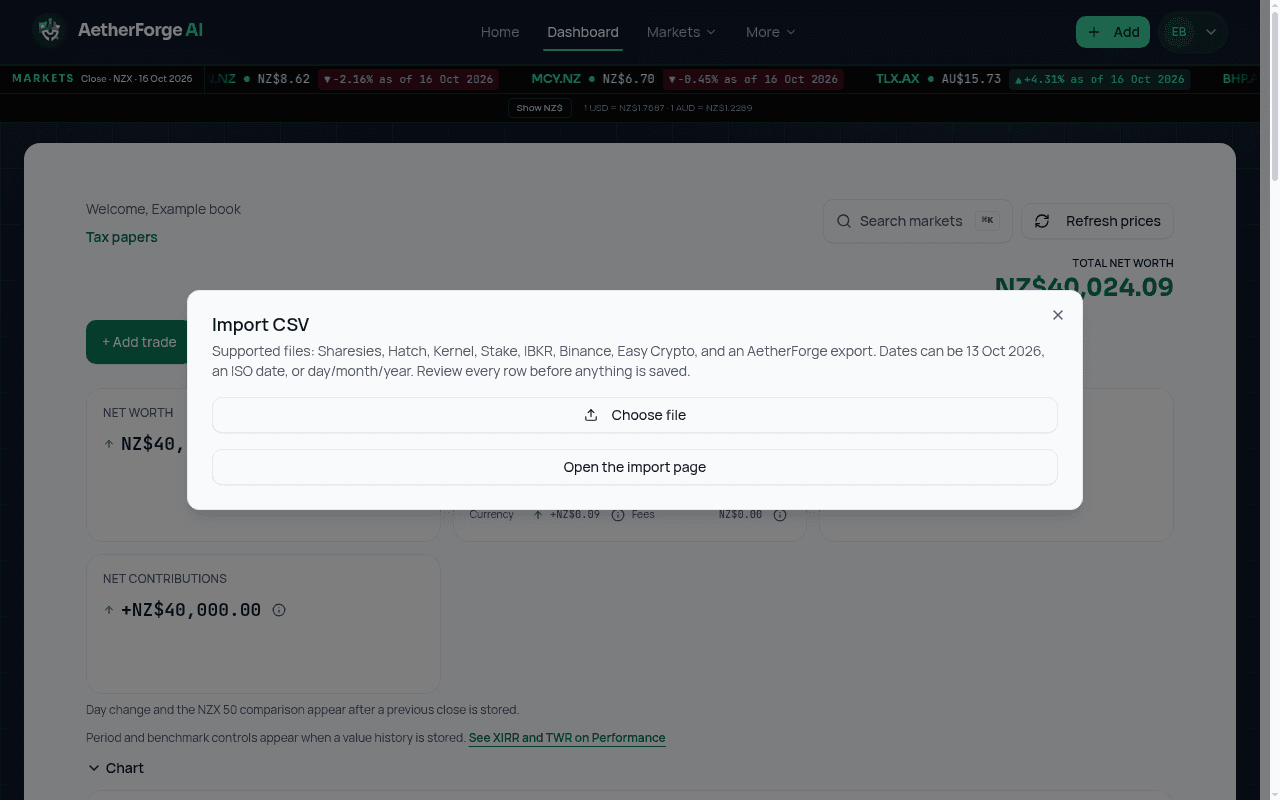
- Export a CSV from your broker. Files must be CSV or plain text and under 5 MB.
- On the dashboard, open the import option and choose the file.
- Check the preview. Rows that cannot be read are listed with the reason and are not imported.
- Confirm to add the rows. Split very large files and import each one.
General information only, not financial advice.