
Skip to content

Docs · Guide

Export your ledger

Download every row as a CSV for your records or your accountant.
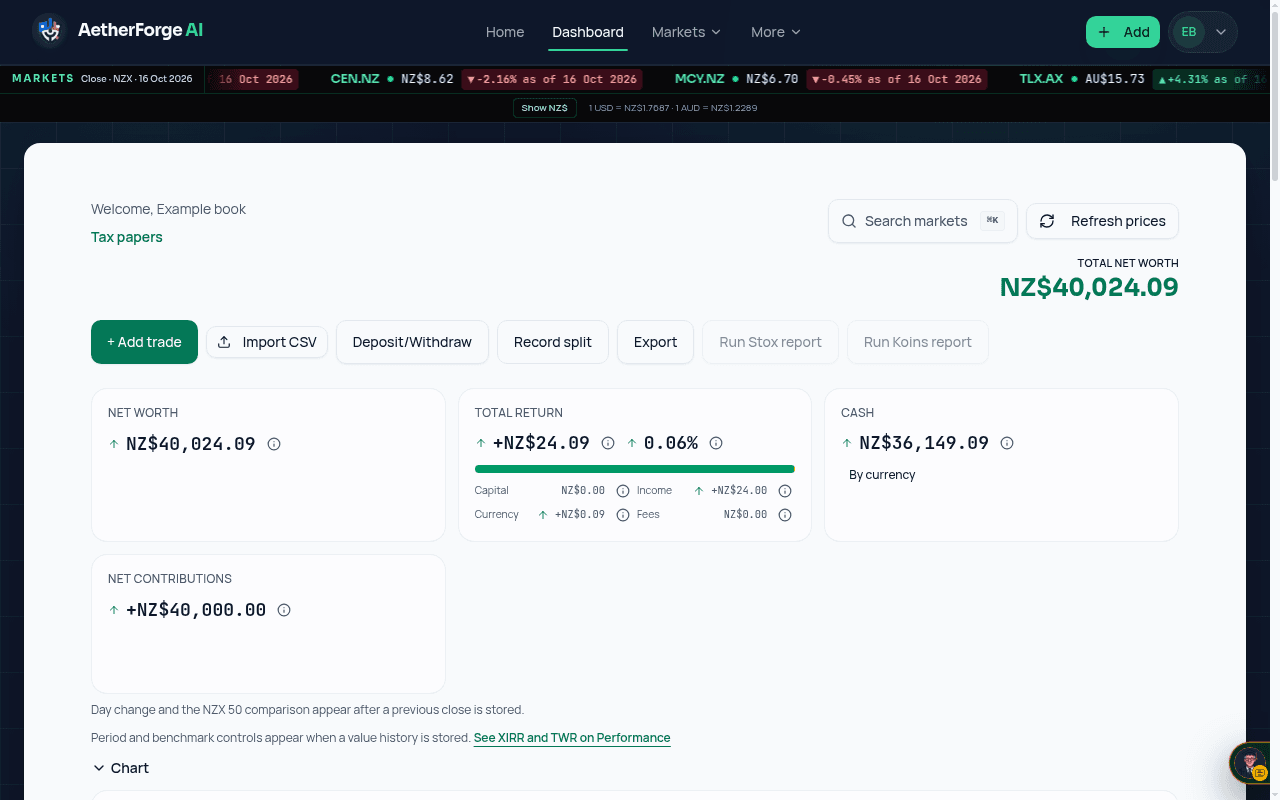
Example: the dashboard Export control used to download the ledger as CSV.
Example — a synthetic book on a test build. Figures are illustrative, not a real portfolio.
  1. Open the dashboard.
  2. Choose Export in the dashboard actions. CSV export is included on Starter and above.
  3. The file lists every ledger row.

General information only, not financial advice.

Analytics stays off until you accept. Decline keeps it off. You can change this later from Cookie settings. Privacy Policy · Cookies

Export your ledger — AetherForge AI docs — AetherForge AI